 TagSquad
Tags for pets: help them find their way home
A TagSquad tag on your pet's collar shows anyone who finds them your pet's name, photo and anything they need to know. They can message you or share where they are in a few taps.

How a tag gets them home
-
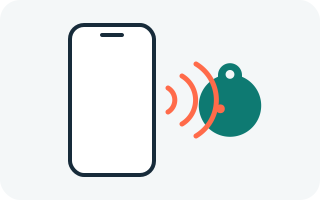
Someone finds your pet
They tap the tag with their phone or scan its QR code. No app needed.
-
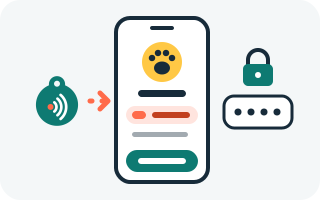
They see what matters
Your pet's name and photo, and notes like "needs medication".
-
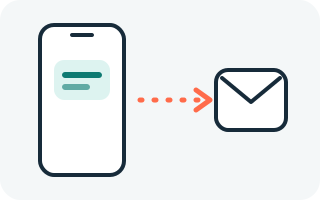
You hear straight away
Their message comes to you, with their location if they choose to share it.
What finders see
- Your pet's name and photo, if you choose to show them.
- Key notes, like "needs medication" or "nervous with strangers".
- A "Contact the owner" button. Your phone number and email stay hidden.
- A reminder that vets and councils can also scan your pet's microchip.
Where to put the tag
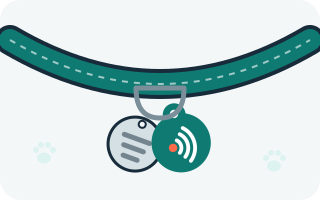
Attach it to your pet's collar (or harness). For cats, use a breakaway collar. Check it every few weeks. Our setup guide has more tips.
If your pet goes missing
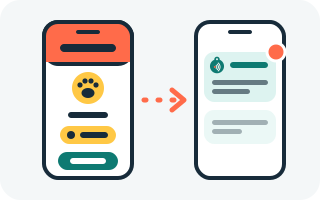
Switch on lost mode in your dashboard. The tag page shows a "missing" banner and any
reward you offer, and we text you when the tag is scanned (if you've added a mobile
number). You can also make a short link like tagsquad.co.uk/t/buddy-7k for
posters and social media.
Under the Control of Dogs Order 1992, a dog in a public place must wear a collar with the owner's name and address on it, or on a tag attached to it. We never show your address online, so it needs to be on the physical tag.