 TagSquad
Tags for bags, keys and school kit
Clip a TagSquad tag to a bag, a key ring or a PE kit. Whoever finds it can tap or scan it and message you straight away, so it gets back to you instead of into a lost property box.
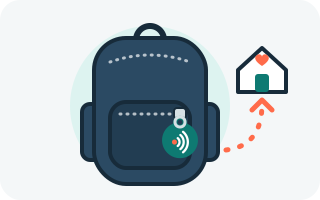
How a tag gets it back to you
-
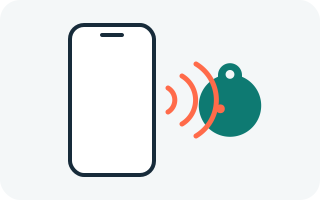
Someone finds the bag
On the bus, at the park or by the school gate, they tap or scan the tag.
-
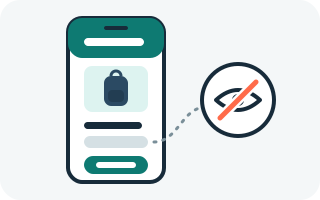
They see a label, not a name
Something like "Blue school bag". Your child's name stays hidden.
-
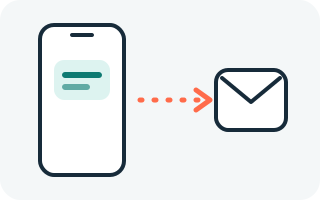
You get a message
They tell you where it is, without ever seeing your number or email.
Made for families
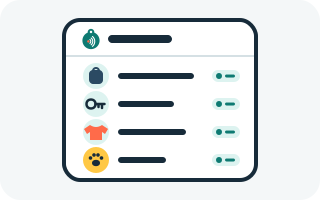
- Finders see a simple label, such as "Blue school bag", and an optional photo.
- Children's names are hidden by default. You can choose to show one, but we don't recommend it.
- Short links are off by default for item tags, so tag pages are hard to guess.
- One account covers all your family's tags, including the dog's.
- Every tag's QR code is engraved into the metal, not just printed, so it keeps working even once the surface gets scuffed.
Putting one on your keys? See tags for keys, and why a tag can't be used to track you.
Where to put the tag
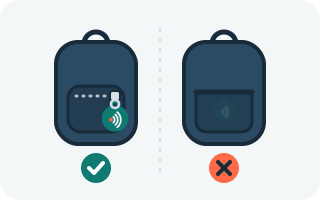
Somewhere prominent, on the outside, where a finder will see and touch it: a zip pull on a school bag or kit bag (a zip tag is ideal), the carry handle, or a keyring. Not hidden inside a pocket. See the setup guide for more.
Scan alerts
You get an email whenever a finder sends a message or shares their location. You can also turn on alerts for every scan, by email or by text.