 TagSquad
Found a tag? Here is how to scan it
You don't need an app or an account. Any modern phone opens the tag page in its web browser. There are two ways in: tap the tag, or scan its QR code.
Option 1: tap the tag (NFC)
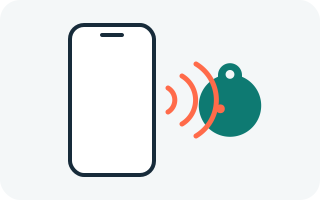
- Unlock your phone and wake the screen.
- Hold the top back of your phone (near the camera) against the tag for a second or two.
- Tap the notification or link that appears. The tag page opens in your browser.
Option 2: scan the QR code
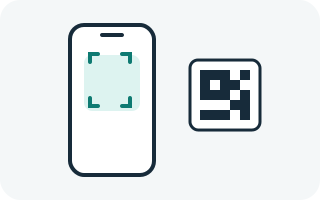
- Open your phone's normal Camera app.
- Point it at the QR code on the tag, about 15 cm away, and hold steady.
- Tap the link that pops up at the top or bottom of the screen.
The code is engraved into the tag, not printed, so it stays scannable even on an older or scuffed tag.
Then: message the owner
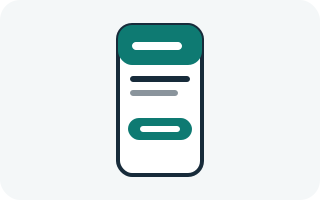
- Read what the owner wants you to know, such as a pet's name or "needs medication".
- Tap Message the owner and write a short note.
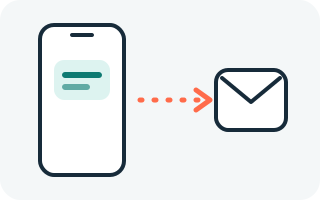
- Say where you are, or tap to share your location. Adding your own contact details is optional.
- Send it. The owner is alerted straight away and will reply to you.
The owner's phone number and email are never shown to you, and yours is only shared if you choose. All contact goes through TagSquad.
Which phones work
Tap works on iPhone XR/XS and newer, and on most Android phones since around 2015. Every smartphone with a camera can scan the QR code. If you're unsure, scan the QR code. Tags have no battery, so there is nothing to charge or pair. See the full phone compatibility guide.
If nothing happens
- Android: open Settings, search for "NFC" and switch it on. Remove any thick or metal phone case.
- iPhone: unlock the phone and try near the top edge. Turn off Airplane Mode.
- Slide the phone slowly over the tag: the NFC spot is a small area.
- Still nothing? Scan the QR code instead.
- Camera won't read it? Check the QR code isn't scratched, wipe the lens and find some light.
- The page says the tag isn't active? It hasn't been set up yet. Please contact us.
Own a tag? Set up your tag or see how it works.